guides
WooCommerce payment processing scaleWooCommerce high volume paymentsincrease authorisation rates WooCommercemulti-acquirer WooCommerceWooCommerce payment optimizationenterprise WooCommerce payments
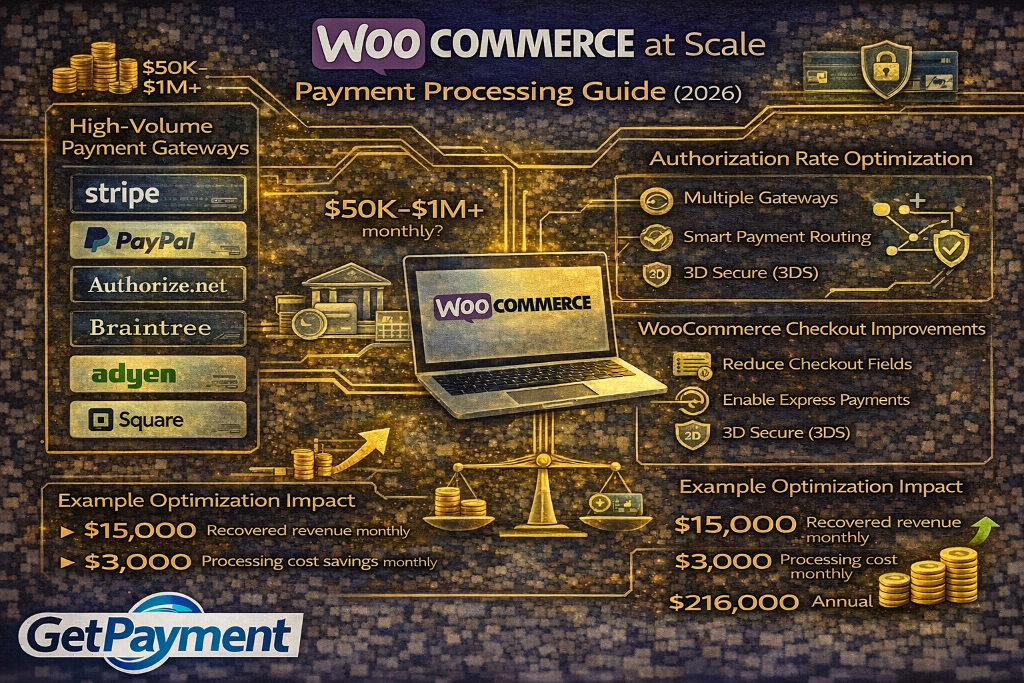 Learn how to optimize WooCommerce payment processing at scale to increase approvals, reduce declines, and build a stable payment infrastructure.
✓ Stripe shutdown?
✓ High-risk industry?
✓ Declined payments?
Get approved today.
Apply NowWooCommerce is one of the most flexible ecommerce platforms available.
It gives you full control over your store, your checkout, and your integrations.
WooCommerce is one of the most flexible ecommerce platforms available.
It gives you full control over your store, your checkout, and your integrations.
But that flexibility comes with a challenge.
As you scale, your payment system becomes more complex—and more fragile if not set up correctly.
Many WooCommerce stores experience:
This is why having a WooCommerce payment processing strategy for scale is critical. Without it, growth creates risk instead of opportunity.
Unlike hosted platforms, WooCommerce gives you complete control over your payment stack.
You choose:
This flexibility is powerful, but it also means performance depends entirely on how well your system is built.
At scale, the wrong setup can limit approvals and create unnecessary risk.
One of the biggest opportunities for WooCommerce stores is improving payment approvals.
Higher authorisation rates mean more revenue from the same traffic.
To improve performance, you should:
These changes increase trust with issuing banks and reduce unnecessary declines.
Relying on a single processor is one of the biggest risks for scaling WooCommerce stores.
If that processor has issues, your entire revenue stream is affected.
A multi-acquirer setup allows you to:
WooCommerce's flexibility makes it ideal for implementing this type of setup.
Smart routing allows you to direct transactions through the best-performing path.
Instead of sending all payments through one processor, you can:
This is one of the most effective ways to increase revenue without increasing traffic.
Your checkout plays a major role in payment success.
WooCommerce gives you full control over checkout design and functionality.
To optimize performance, you should:
A better checkout experience leads to higher conversions and fewer failed payments.
Network tokenisation improves how transactions are processed.
By replacing raw card data with network-issued tokens, you create stronger trust signals.
This leads to:
For WooCommerce stores running subscriptions or high volume, this is a key advantage.
If your WooCommerce store serves international customers, payment optimization becomes more complex.
To improve performance globally, you should:
This reduces friction and increases approval rates across different markets.
Failed payments are one of the biggest sources of lost revenue.
To reduce failures, you should:
Recovering failed payments can significantly improve your bottom line.
Fraud prevention is important, but overly strict controls can hurt your business.
WooCommerce stores should:
The goal is to protect revenue without reducing conversions.
At scale, redundancy is essential.
You should not rely on a single processor, gateway, or bank.
A strong WooCommerce setup includes:
This ensures your business continues processing even if one provider fails.
Product launches, promotions, and seasonal spikes can stress your payment system.
To prepare, you should:
Preparation helps you capture maximum revenue during critical moments.
Payment optimization is an ongoing process.
You should track:
Continuous improvement leads to better results over time.
Many stores fail to fully optimize their payment systems.
Common mistakes include:
Fixing these can unlock immediate gains.
At GetPayment, we help WooCommerce businesses build payment systems designed for scale.
We help you:
Our goal is to help you maximize revenue and reduce risk.
WooCommerce gives you more control than almost any other ecommerce platform.
But with that control comes responsibility.
If your payment system is not optimized, growth will expose its weaknesses.
By building the right infrastructure, you can:
Payments are not just a backend function. They are a core part of your growth strategy.
If you want to optimize your WooCommerce payment system, increase approvals, and scale with confidence, GetPayment can help.
Apply today to build a payment infrastructure designed for high-volume ecommerce.
Tags

Head of Payment Strategy
GetPayment Inc
Jane Harold is a payment strategy expert with 12+ years of experience in high-volume ecommerce payments, merchant account management, and checkout optimization. She has helped hundreds of US ecommerce brands improve authorization rates, reduce processing costs, and scale payment infrastructure.
Payment Strategy Expert
12+ years in industry
Certified Payment Specialist
PCI DSS Level 1 compliance
Merchant Account Advisor
500+ merchants advised
Industry Speaker
Ecommerce & payment conferences
Have questions about payment processing? Reach out to Jane directly.
Years Experience
Merchants Helped
Bank Partners
Satisfaction Rate
GetPayment helps ecommerce merchants increase approval rates with smart routing and high-risk-friendly processors.
High-risk friendly
Multiple processors
Global coverage
See exactly how much you're overpaying in processing fees. Our experts analyze your statement and show you potential savings.
Request Free AuditExplore the complete guide for this topic with deeper insights and strategies.
View Guide →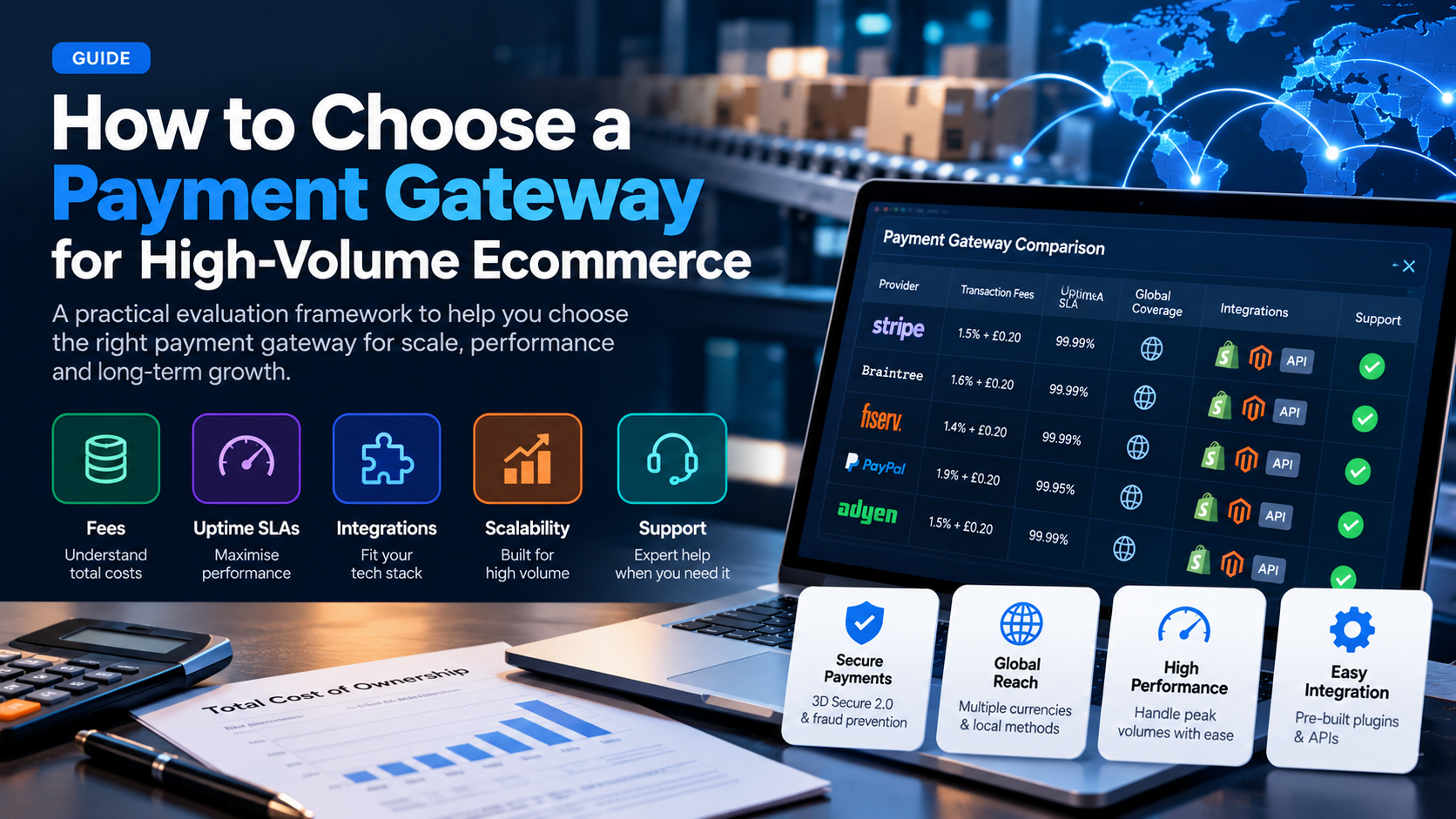
A practical framework for evaluating payment gateways when you process $50k+ per month: fees, uptime, integrations, scalability, and support.
Read More →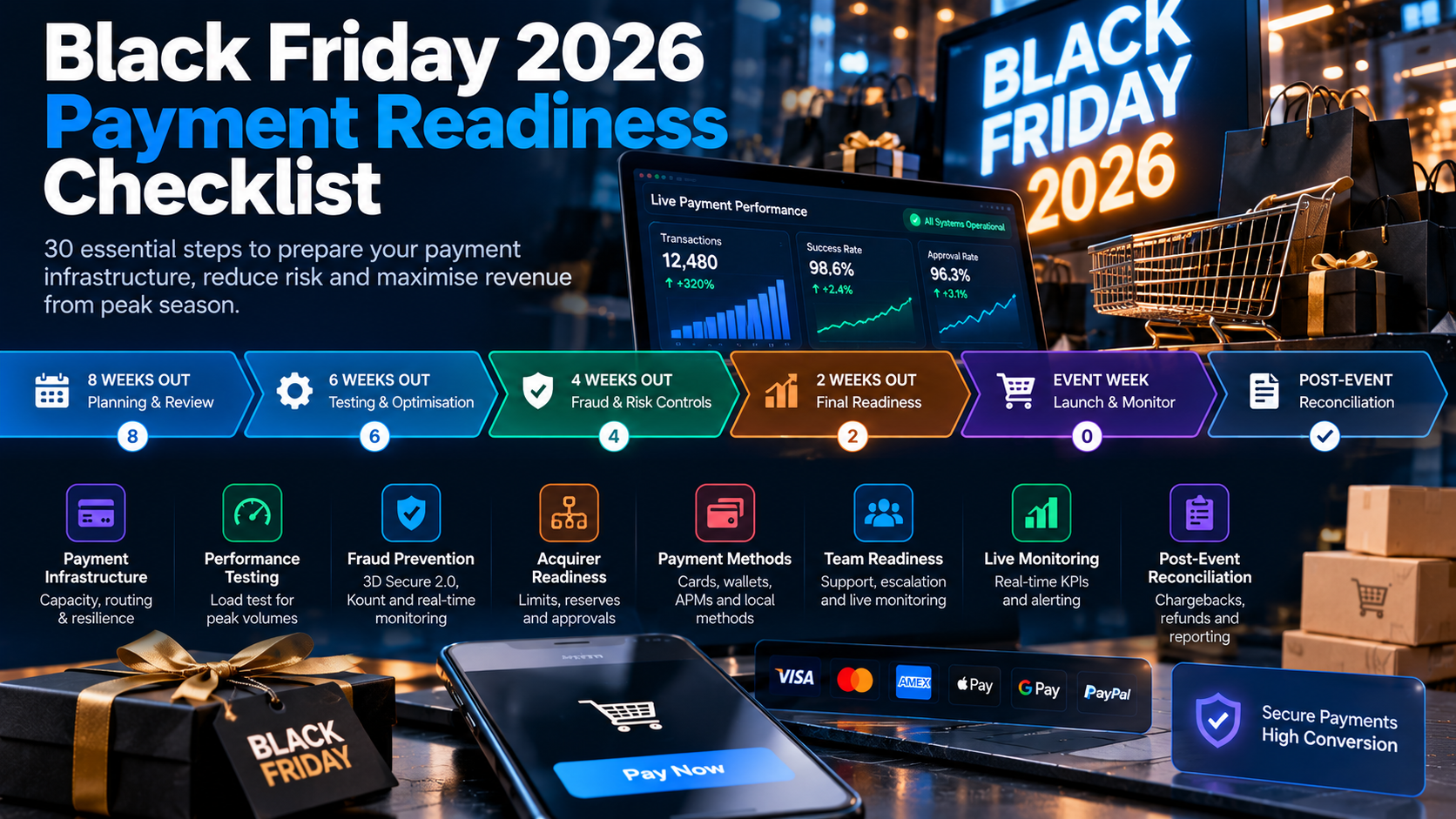
Black Friday is the highest-traffic, highest-revenue day of the year. A single checkout failure costs thousands per minute. This 30-step checklist ensures your payments are ready.
Read More →