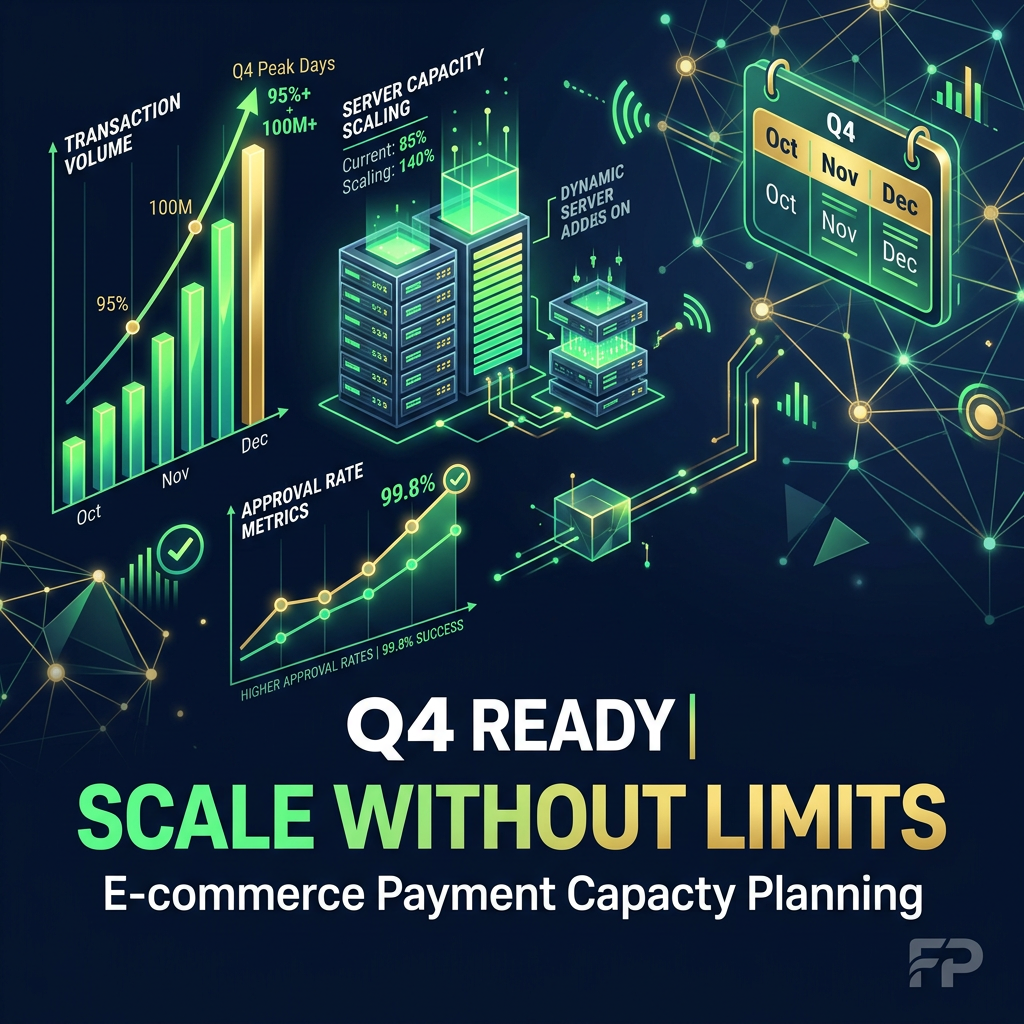
 Learn how to plan ecommerce payment capacity for Q4 to handle peak traffic, improve approvals, and maximize revenue during the busiest season.
Need Payment Processing?
✓ Stripe shutdown?
✓ High-risk industry?
✓ Declined payments?
Get approved today.
Apply NowKey Takeaways
- Black Friday - Cyber Monday - Christmas shopping - End-of-year promotions
Most ecommerce businesses generate a significant portion of their annual revenue.
- ✓Christmas shopping
- ✓End-of-year promotions
- ✓Scaling technical infrastructure
- ✓Ensuring processor and gateway readiness
- ✓Optimizing routing and redundancy
Introduction: Q4 Is Where Payment Systems Break or Scale
Q4 is the most important quarter in ecommerce.
Between:
- Black Friday
- Cyber Monday
- Christmas shopping
- End-of-year promotions
Most ecommerce businesses generate a significant portion of their annual revenue.
But with that opportunity comes risk.
Q4 is when payment systems are pushed to their limits.
Traffic surges.
Transaction volume spikes.
Fraud activity increases.
And any weakness in your payment infrastructure becomes visible.
This is why Q4 ecommerce payment capacity planning is critical.
Because if your system cannot handle demand, you will lose revenue at the most important time of the year.
What Is Payment Capacity Planning?
Payment capacity planning is the process of preparing your payment infrastructure to handle peak transaction volumes without performance degradation.
It involves:
- Scaling technical infrastructure
- Ensuring processor and gateway readiness
- Optimizing routing and redundancy
- Preparing fraud systems
- Monitoring performance in real time
It is about ensuring your system performs under stress, not just under normal conditions.
Why Q4 Is Different From Normal Operations
Most systems are designed for average demand.
Q4 is not average.
During peak events, you may experience:
- 2x to 10x increases in transaction volume
- Sudden traffic spikes from campaigns
- Higher mobile usage
- Increased cross-border transactions
These factors create stress across your entire payment stack.
Without planning, systems fail under pressure.
The Revenue Impact of Capacity Failures
When your payment system cannot handle demand, the impact is immediate.
You may experience:
- Failed transactions
- Increased declines
- Checkout timeouts
- Lost customers
Even small performance issues can lead to significant revenue loss during Q4.
At scale, this can mean millions in missed sales.
Step 1: Forecast Transaction Volume Accurately
Capacity planning starts with forecasting.
You need to estimate:
- Expected transaction volume
- Peak traffic periods
- Growth compared to previous years
- Impact of marketing campaigns
Accurate forecasting allows you to prepare your infrastructure effectively.
Step 2: Load Test Your Payment Systems
Load testing is essential.
You should simulate peak conditions to identify weaknesses.
This includes:
- Stress testing checkout flows
- Testing API response times
- Evaluating gateway performance
- Identifying bottlenecks
Testing helps you fix issues before they impact real customers.
Step 3: Ensure Gateway and Processor Readiness
Your payment providers must be prepared for Q4.
You should:
- Confirm processing limits
- Discuss expected volume with providers
- Ensure infrastructure scalability
- Validate uptime commitments
Communication with providers is critical.
Step 4: Implement Multi-Acquirer Redundancy
Relying on a single processor is one of the biggest risks during Q4.
If that provider fails, your revenue stops.
A multi-acquirer setup allows you to:
- Distribute transaction load
- Maintain uptime during outages
- Improve approval rates
This is one of the most important steps in capacity planning.
Step 5: Optimize Payment Routing
Routing determines how transactions are processed.
For Q4, you should:
- Route transactions based on geography
- Prioritize high-performing acquirers
- Implement failover routing
- Adjust routing dynamically
Smart routing improves both performance and approvals.
Step 6: Scale Checkout Infrastructure
Your checkout must handle peak traffic.
You should:
- Optimize frontend performance
- Reduce page load times
- Minimize dependencies
- Ensure scalability of backend systems
Checkout performance directly impacts conversion rates.
Step 7: Prioritize Mobile Payment Performance
Mobile traffic dominates Q4 ecommerce.
You should ensure:
- Mobile checkout is fast and simple
- Payment forms are optimized for mobile
- Digital wallets are enabled
- Pages load quickly on all devices
Mobile optimization is critical for capturing revenue.
Step 8: Prepare for Fraud Spikes
Fraud activity increases during Q4.
You should:
- Review fraud rules
- Adjust thresholds dynamically
- Monitor high-risk transactions
- Prepare fraud teams for increased activity
Fraud prevention must scale with your business.
Step 9: Balance Fraud and Conversion
While fraud increases, you cannot afford to block legitimate customers.
You should:
- Avoid overly strict rules
- Monitor false declines
- Adjust risk thresholds in real time
The goal is to protect revenue without hurting conversions.
Step 10: Use 3D Secure Strategically
3D Secure can help reduce fraud, but it must be used carefully.
For Q4, you should:
- Apply 3DS to high-risk transactions
- Avoid unnecessary friction
- Monitor authentication success rates
Dynamic authentication is key.
Step 11: Optimize Cross-Border Payments
Q4 attracts global customers.
Cross-border transactions require optimization.
You should:
- Use local acquiring where possible
- Optimize currency handling
- Route transactions regionally
This improves approval rates and reduces costs.
Step 12: Monitor Payment Performance in Real Time
Real-time monitoring is essential during Q4.
You should track:
- Approval rates
- Decline reasons
- Transaction volume
- System performance
This allows you to respond quickly to issues.
Step 13: Implement Failover and Redundancy
Failures are inevitable.
You need systems that can handle them.
Ensure you have:
- Backup processors
- Automatic failover routing
- Redundant infrastructure
This protects your revenue.
Step 14: Optimize Retry Logic and Recovery
Failed payments can be recovered.
You should:
- Implement intelligent retry logic
- Use account updater services
- Trigger recovery flows
Recovering failed transactions increases revenue.
Step 15: Align Payments with Marketing Campaigns
Marketing drives traffic spikes.
Your payment system must be ready.
You should:
- Coordinate campaign timing
- Prepare for surges
- Adjust capacity accordingly
Alignment prevents system overload.
Step 16: Plan for Subscription Billing Impact
If you run subscriptions, Q4 can affect billing.
You should:
- Monitor recurring payments
- Adjust retry strategies
- Prevent unnecessary churn
Stable billing is critical for recurring revenue.
Step 17: Build a Q4 War Room Strategy
During peak events, you need a response plan.
This includes:
- Dedicated monitoring teams
- Real-time decision-making
- Rapid issue resolution
A war room approach ensures quick action.
Common Mistakes in Q4 Capacity Planning
Many businesses fail to prepare properly.
Common mistakes include:
- Underestimating traffic
- Relying on a single processor
- Ignoring mobile optimization
- Using static fraud rules
- Not testing systems
Avoiding these mistakes is critical.
The Financial Impact of Proper Planning
Effective capacity planning leads to:
- Higher approval rates
- Increased conversions
- Reduced downtime
- Better customer experience
At scale, these improvements can result in significant revenue gains.
How GetPayment Helps You Prepare for Q4
At GetPayment, we help ecommerce businesses prepare for peak season.
We help you:
- Build multi-acquirer setups
- Optimize routing and approvals
- Reduce declines and failures
- Scale infrastructure
- Monitor performance in real time
Our goal is to ensure you capture every possible sale during Q4.
Final Thoughts: Q4 Rewards Prepared Systems
Q4 is not just about demand.
It is about execution.
The businesses that win are the ones that:
- Plan early
- Optimize continuously
- Build resilient payment systems
Your payment capacity determines how much of your demand turns into revenue.
Ready to win Q4? If you want to maximize your revenue during Q4, improve approval rates, and build a scalable payment system, GetPayment can help. Apply today to prepare your payments for peak performance.
FAQ: Q4 Payment Capacity Planning
What is payment capacity planning?
It is the process of preparing your payment infrastructure to handle peak transaction volumes without performance issues.
Why is Q4 important for ecommerce payments?
Q4 includes major shopping events that generate the highest transaction volumes of the year.
How can I improve payment performance in Q4?
By using multi-acquirer setups, optimizing routing, and ensuring infrastructure scalability.
Should I use multiple payment providers?
Yes. This reduces risk and improves performance during peak periods.
How do I handle fraud during Q4?
Use dynamic fraud rules, monitor activity, and balance security with conversion.
When should I start planning for Q4?
Ideally several months in advance to allow for testing and optimization.
Can I recover failed payments?
Yes. Retry logic and recovery flows can help recover lost revenue.
Tags

Jane Harold
Head of Payment Strategy
GetPayment Inc
Jane Harold is a payment strategy expert with 12+ years of experience in high-volume ecommerce payments, merchant account management, and checkout optimization. She has helped hundreds of US ecommerce brands improve authorization rates, reduce processing costs, and scale payment infrastructure.
Areas of Expertise
Payment Strategy Expert
12+ years in industry
Certified Payment Specialist
PCI DSS Level 1 compliance
Merchant Account Advisor
500+ merchants advised
Industry Speaker
Ecommerce & payment conferences
Get Expert Advice
Have questions about payment processing? Reach out to Jane directly.
Years Experience
Merchants Helped
Bank Partners
Satisfaction Rate
Recover Revenue From Payment Declines
GetPayment helps ecommerce merchants increase approval rates with smart routing and high-risk-friendly processors.
High-risk friendly
Multiple processors
Global coverage
Get Your Free Payment Fee Audit
See exactly how much you're overpaying in processing fees. Our experts analyze your statement and show you potential savings.
Request Free AuditLearn more in our Payment Infrastructure & Platforms Guide
Explore the complete guide for this topic with deeper insights and strategies.
View Guide →Related Articles
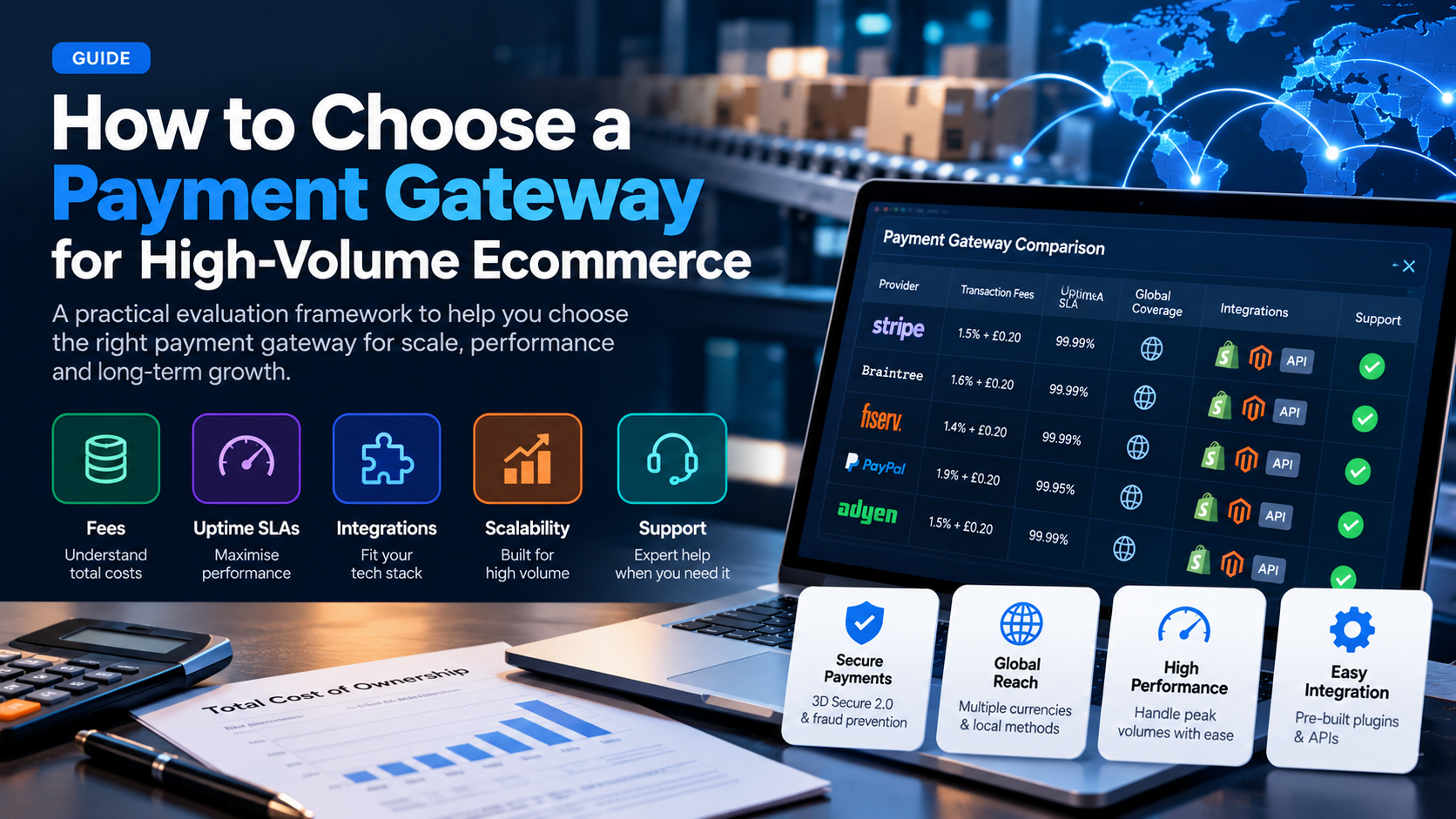
How to Choose a Payment Gateway for High-Volume Ecommerce (2026 Guide)
A practical framework for evaluating payment gateways when you process $50k+ per month: fees, uptime, integrations, scalability, and support.
Read More →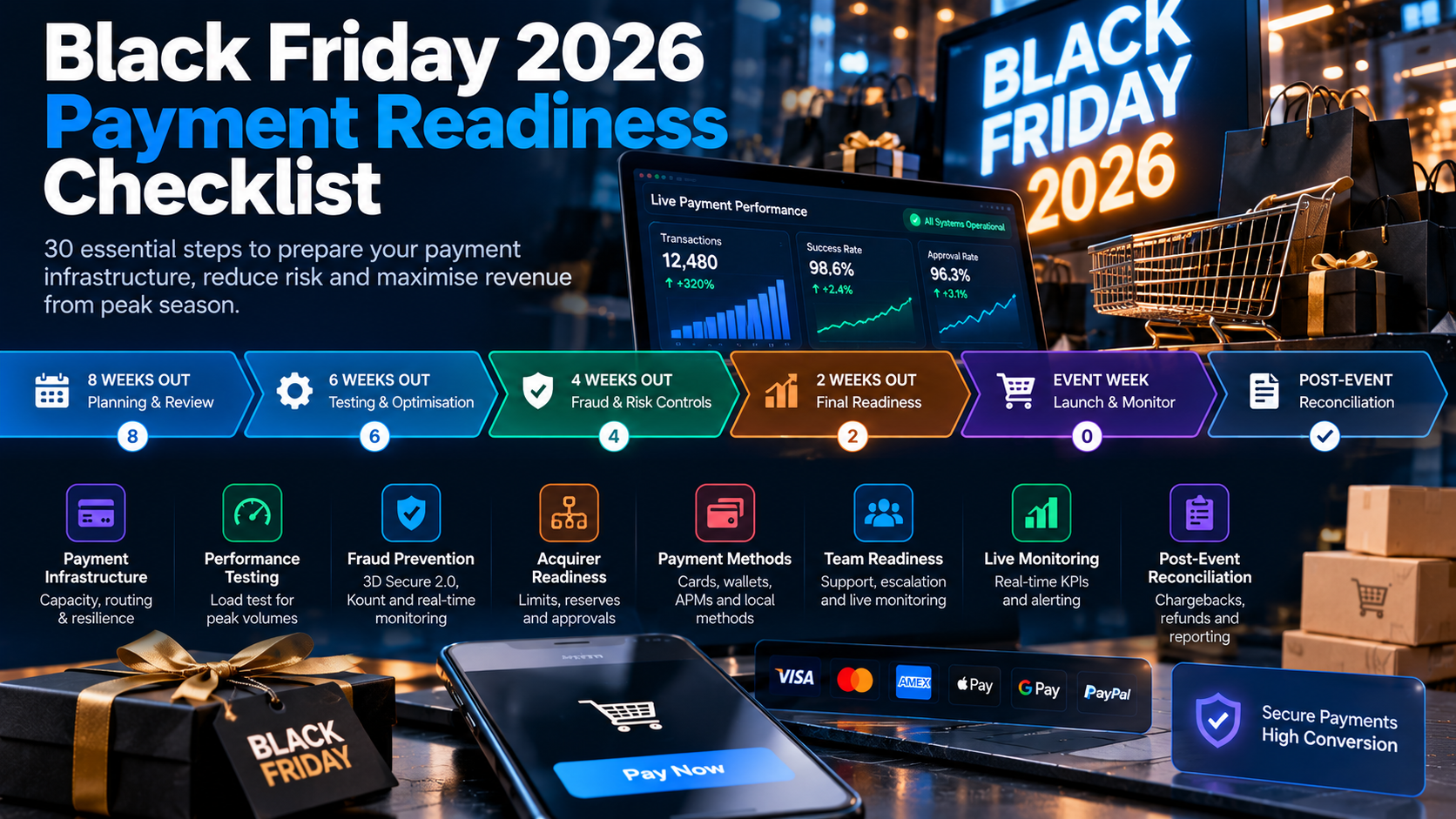
Black Friday 2026 Payment Readiness Checklist: 30 Steps to Prepare Your Checkout for Peak Traffic
Black Friday is the highest-traffic, highest-revenue day of the year. A single checkout failure costs thousands per minute. This 30-step checklist ensures your payments are ready.
Read More →