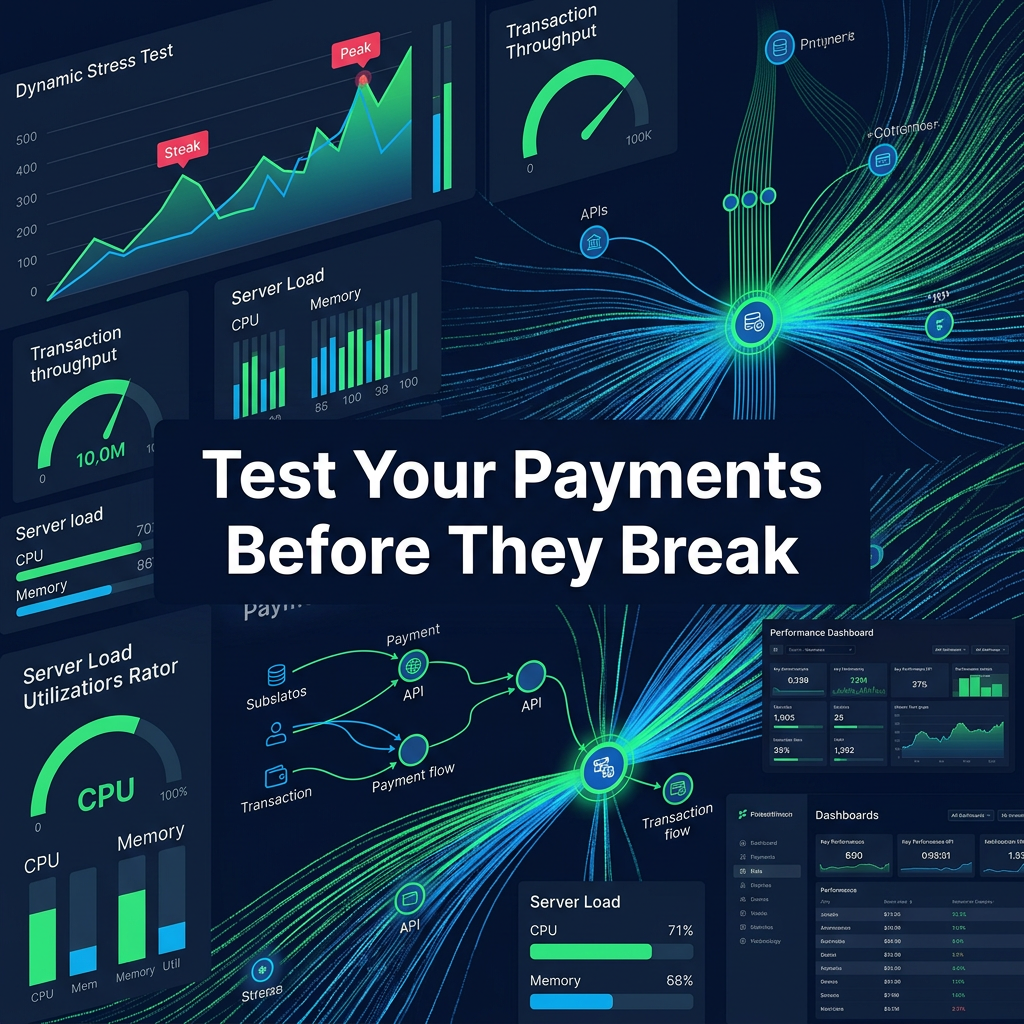
 Learn how to load test your payment stack to prevent failures, improve approval rates, and ensure peak performance during high traffic events.
Need Payment Processing?
✓ Stripe shutdown?
✓ High-risk industry?
✓ Declined payments?
Get approved today.
Apply NowKey Takeaways
- Black Friday - Prime Day - Product launches - Viral campaigns
- Checkouts slow down - Transactions fail - APIs time out - Revenue is lost
- ✓Product launches
- ✓Checkouts slow down
- ✓Transactions fail
- ✓Checkout performance
- ✓Payment gateway responsiveness
Introduction: Your Payment Stack Is Only as Strong as Its Breaking Point
Most ecommerce businesses assume their payment system works.
Until it doesn't.
Everything may run smoothly during normal traffic.
But the real test comes when volume spikes.
During:
- Black Friday
- Prime Day
- Product launches
- Viral campaigns
Your payment stack is pushed to its limits.
And this is where failures happen.
- Checkouts slow down
- Transactions fail
- APIs time out
- Revenue is lost
This is why load testing your payment stack is critical.
Because you don't want to discover your limits during your biggest revenue moment.
What Is Payment Stack Load Testing?
Load testing your payment stack means simulating high levels of traffic and transactions to evaluate how your system performs under stress.
It involves testing:
- Checkout performance
- Payment gateway responsiveness
- Processor capacity
- API latency
- System failover
The goal is to identify bottlenecks before they impact real customers.
Why Load Testing Is Essential for Ecommerce
Ecommerce is unpredictable.
Traffic spikes can happen instantly.
Without load testing, you risk:
- System crashes
- Increased decline rates
- Slow checkout experiences
- Lost revenue
Load testing allows you to prepare for these scenarios.
The Real Cost of Not Load Testing
When payment systems fail, the impact is immediate.
You lose:
- Completed transactions
- Customer trust
- Marketing ROI
Even small performance issues can lead to significant revenue loss at scale.
Understanding Your Payment Stack
Before testing, you need to understand your stack.
Your payment system typically includes:
- Frontend checkout
- Backend application
- Payment gateway
- Payment processor
- Fraud systems
- APIs and integrations
Each component must be tested individually and together.
Key Areas to Load Test
Load testing should focus on critical components.
These include:
- Checkout page performance
- Payment API response times
- Gateway throughput
- Processor capacity
- Database performance
Weakness in any area can affect the entire system.
Simulating Real-World Traffic Scenarios
Effective load testing simulates real customer behavior.
You should test:
- Gradual traffic increases
- Sudden spikes
- High concurrency transactions
- Global traffic patterns
This ensures your system can handle real-world conditions.
Stress Testing vs Load Testing
Load testing measures performance under expected traffic.
Stress testing pushes the system beyond its limits.
Both are important.
Load testing ensures readiness.
Stress testing identifies breaking points.
Testing Payment Gateway Performance
Your gateway is a critical component.
You should evaluate:
- Response times
- Error rates
- Throughput capacity
Slow gateways lead to failed transactions and poor customer experience.
Testing Payment Processor Capacity
Processors must handle transaction volume.
You should:
- Confirm processing limits
- Test peak transaction loads
- Monitor approval rates under stress
Processor performance directly impacts revenue.
API Latency and Reliability Testing
APIs connect your systems.
If they fail, your checkout fails.
You should test:
- Response times
- Timeout thresholds
- Error handling
Fast and reliable APIs are essential.
Checkout Performance Under Load
Checkout is where conversions happen.
You should test:
- Page load times
- Form responsiveness
- Payment submission speed
Slow checkout leads to abandonment.
Mobile Load Testing
Mobile traffic dominates ecommerce.
You should test:
- Mobile checkout performance
- Network variability
- Device compatibility
Mobile optimization is critical for conversions.
Fraud System Performance Under Load
Fraud systems must scale with traffic.
You should test:
- Risk scoring speed
- Rule processing
- Impact on transaction time
Slow fraud systems can delay payments.
Multi-Acquirer and Routing Testing
If you use multiple acquirers, you must test routing logic.
You should ensure:
- Transactions are routed correctly
- Failover works as expected
- Performance is optimized
Routing errors can cause declines.
Failover and Redundancy Testing
Failures will happen.
Your system must handle them.
You should test:
- Automatic failover
- Backup processors
- Recovery time
This ensures continuity during outages.
Monitoring Metrics During Load Testing
You should track key metrics during testing.
These include:
- Approval rates
- Decline rates
- Response times
- Error rates
- Throughput
These metrics reveal system performance.
Identifying Bottlenecks
Load testing helps identify weak points.
Common bottlenecks include:
- Slow APIs
- Limited processor capacity
- Inefficient database queries
- Poor routing logic
Fixing these issues improves performance.
Scaling Infrastructure Based on Results
Once you identify issues, you must scale your system.
This may involve:
- Increasing server capacity
- Optimizing code
- Improving integrations
- Adding redundancy
Scaling ensures your system can handle demand.
Continuous Testing and Optimization
Load testing is not a one-time activity.
You should:
- Test regularly
- Update scenarios
- Monitor performance
- Adjust systems
Continuous optimization keeps your system ready.
Common Mistakes in Load Testing
Many businesses fail to test effectively.
Common mistakes include:
- Testing only normal traffic
- Ignoring peak scenarios
- Not testing failover
- Overlooking mobile performance
- Failing to act on results
Avoiding these mistakes is critical.
The Financial Impact of Load Testing
Effective load testing can lead to:
- Higher approval rates
- Increased conversions
- Reduced downtime
- Better customer experience
At scale, this translates into significant revenue gains.
How GetPayment Helps You Optimize Your Payment Stack
At GetPayment, we help ecommerce businesses build and test high-performance payment systems.
We help you:
- Conduct load testing assessments
- Optimize routing and approvals
- Implement multi-acquirer setups
- Build resilient infrastructure
- Prepare for peak events
Our goal is to ensure your payment stack performs under pressure.
Final Thoughts: Test Before It Matters
Your payment system will be tested.
The only question is when.
You can either:
- Test it proactively
Or:
- Let your customers test it during peak events
The businesses that win are the ones that prepare.
Ready to optimize your payment stack? If you want to ensure your payment system can handle high traffic, improve performance, and maximize revenue, GetPayment can help. Apply today to optimize and test your payment stack.
FAQ: Load Testing Payment Systems
What is load testing in ecommerce payments?
It is the process of simulating high traffic to evaluate how your payment system performs under stress.
Why is load testing important?
It helps identify bottlenecks and prevents system failures during peak events.
What should I test in my payment stack?
Checkout performance, APIs, gateways, processors, fraud systems, and routing logic.
How often should I load test?
Regularly, especially before major events like Black Friday or product launches.
Can load testing improve approval rates?
Yes. By identifying and fixing issues, you can improve transaction success rates.
What is the difference between load testing and stress testing?
Load testing evaluates expected traffic, while stress testing pushes systems beyond limits.
Do small businesses need load testing?
It is most critical for high-volume businesses, but growing businesses should also prepare.
Tags

Jane Harold
Head of Payment Strategy
GetPayment Inc
Jane Harold is a payment strategy expert with 12+ years of experience in high-volume ecommerce payments, merchant account management, and checkout optimization. She has helped hundreds of US ecommerce brands improve authorization rates, reduce processing costs, and scale payment infrastructure.
Areas of Expertise
Payment Strategy Expert
12+ years in industry
Certified Payment Specialist
PCI DSS Level 1 compliance
Merchant Account Advisor
500+ merchants advised
Industry Speaker
Ecommerce & payment conferences
Get Expert Advice
Have questions about payment processing? Reach out to Jane directly.
Years Experience
Merchants Helped
Bank Partners
Satisfaction Rate
Recover Revenue From Payment Declines
GetPayment helps ecommerce merchants increase approval rates with smart routing and high-risk-friendly processors.
High-risk friendly
Multiple processors
Global coverage
Get Your Free Payment Fee Audit
See exactly how much you're overpaying in processing fees. Our experts analyze your statement and show you potential savings.
Request Free AuditLearn more in our Payment Infrastructure & Platforms Guide
Explore the complete guide for this topic with deeper insights and strategies.
View Guide →Related Articles
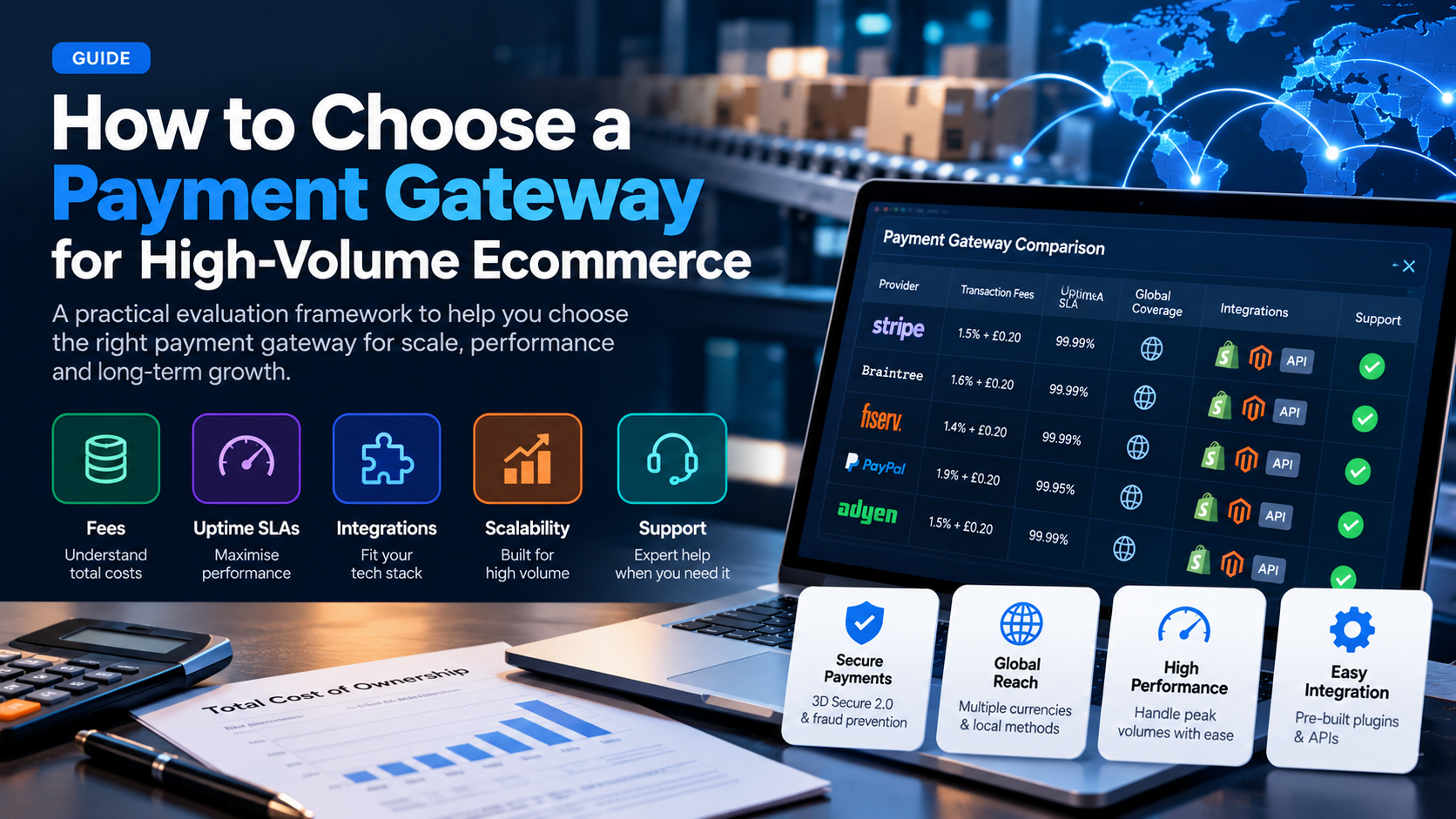
How to Choose a Payment Gateway for High-Volume Ecommerce (2026 Guide)
A practical framework for evaluating payment gateways when you process $50k+ per month: fees, uptime, integrations, scalability, and support.
Read More →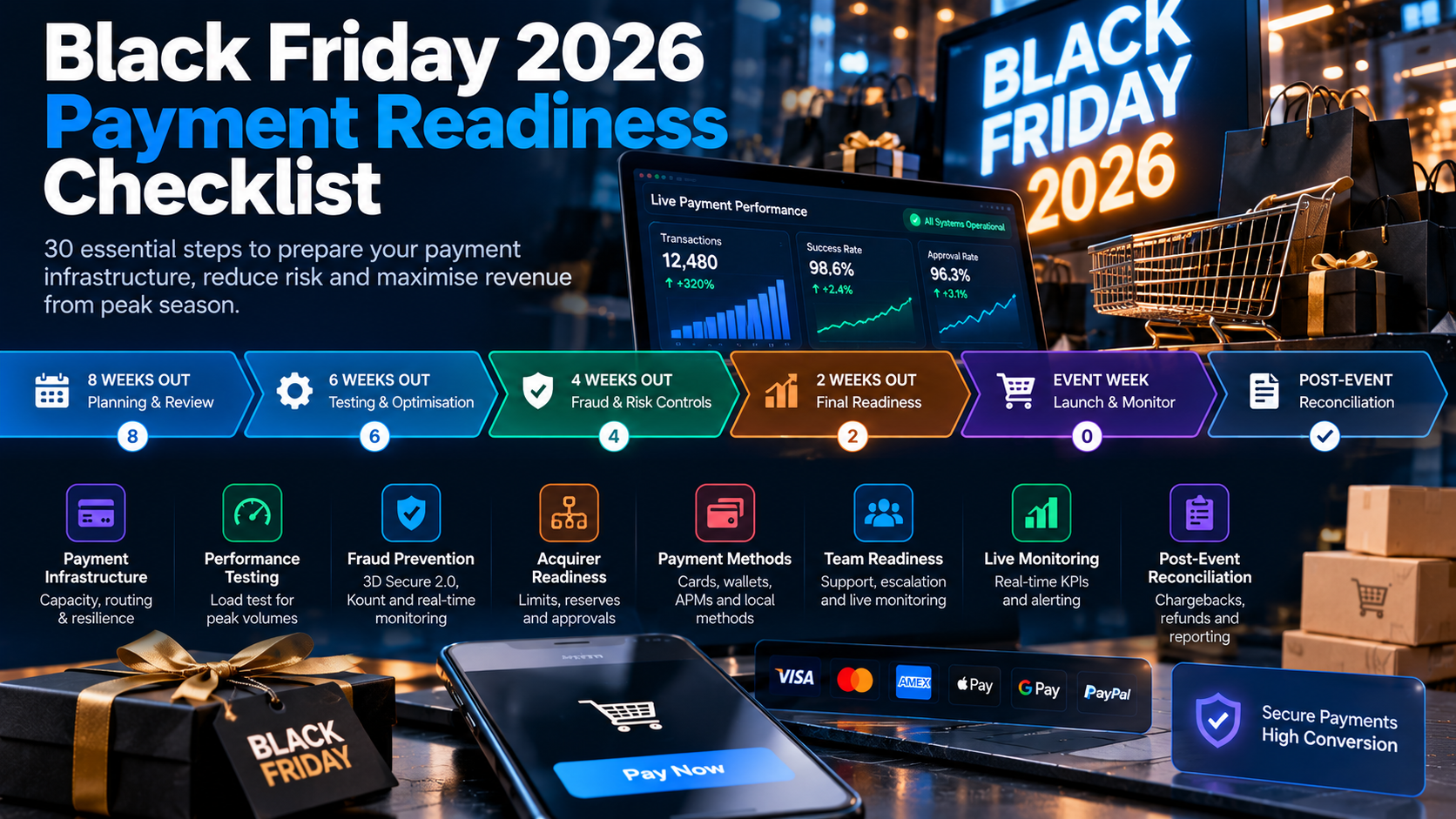
Black Friday 2026 Payment Readiness Checklist: 30 Steps to Prepare Your Checkout for Peak Traffic
Black Friday is the highest-traffic, highest-revenue day of the year. A single checkout failure costs thousands per minute. This 30-step checklist ensures your payments are ready.
Read More →