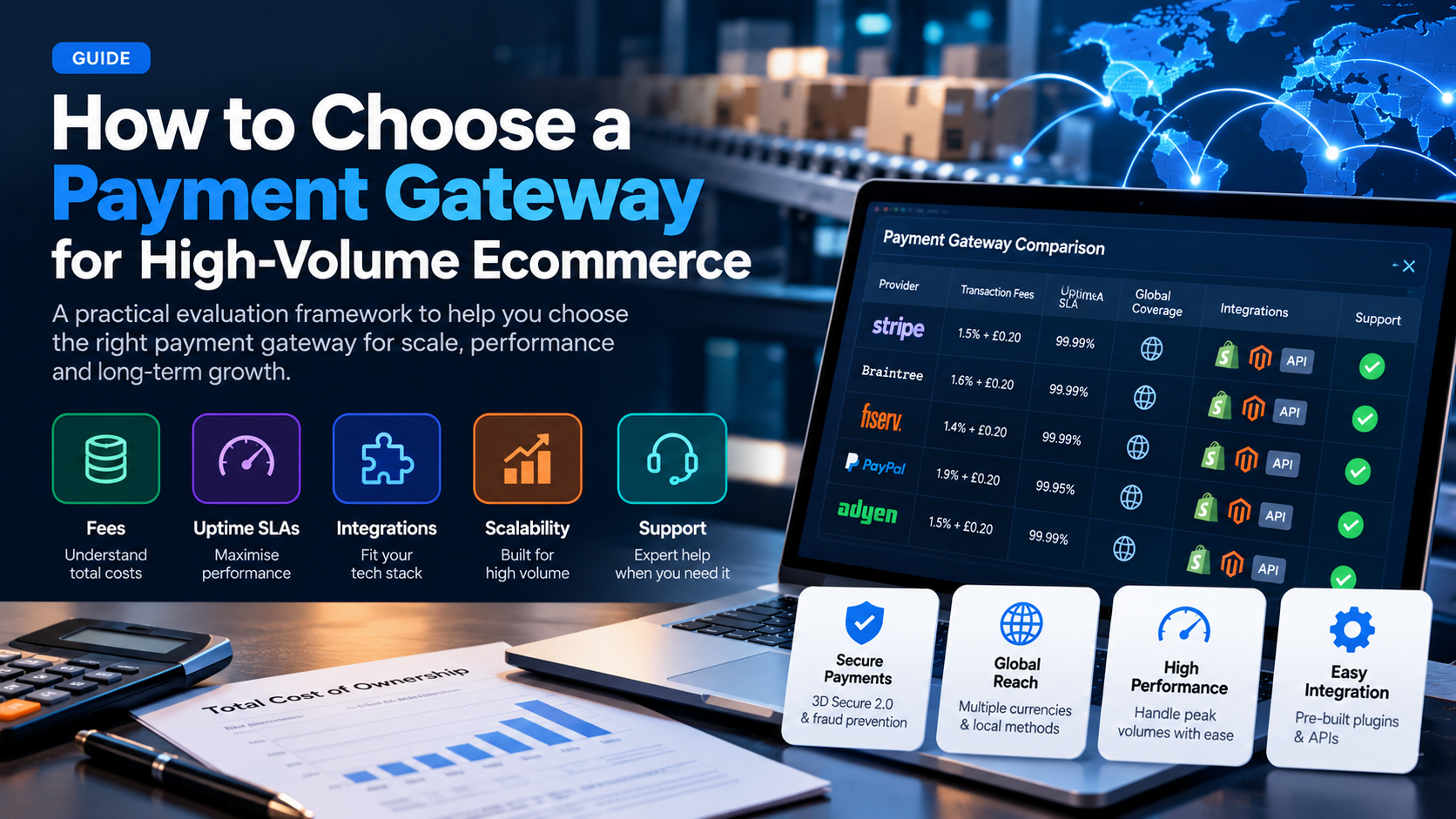
 How to choose a payment gateway for high-volume ecommerce: effective rate, uptime SLAs, integrations, scalability, and support for $50k+/month stores.
Need Payment Processing?
✓ Stripe shutdown?
✓ High-risk industry?
✓ Declined payments?
Get approved today.
Apply NowKey Takeaways
- Total cost matters more than headline rate: Interchange-plus pricing beats flat-rate for merchants processing over $50k/month. Always calculate your effective rate, not the advertised rate. - Uptime is non-negotiable at scale: A 99.9% uptime gateway costs you ~8.7 hours of downtime per year. Target 99.99% (under 53 minutes) for high-volume stores. - Integration depth determines speed: Native cart plugins save weeks of development time. API-first gateways give you control but require engineering resources. - Support tier predicts your peak-season survival: Look for dedicated account managers, not ticket queues. Your gateway's response time during Black Friday directly impacts revenue.
At low volume, almost any payment gateway works. The differences become critical when you process $50,000 or more per month. A 0.5% difference in effective rate costs a $100k/month business $6,000 per year. A single hour of downtime during peak traffic can cost thousands in lost sales.
- ✓Total cost matters more than headline rate: Interchange-plus pricing beats flat-rate for merchants processing over $50k/month. Always calculate your effective rate, not the advertised rate.
- ✓Uptime is non-negotiable at scale: A 99.9% uptime gateway costs you ~8.7 hours of downtime per year. Target 99.99% (under 53 minutes) for high-volume stores.
- ✓Integration depth determines speed: Native cart plugins save weeks of development time. API-first gateways give you control but require engineering resources.
- ✓Support tier predicts your peak-season survival: Look for dedicated account managers, not ticket queues. Your gateway's response time during Black Friday directly impacts revenue.
- ✓Transaction fees (interchange, assessments, processor markup)
TL;DR — Key Takeaways
- Total cost matters more than headline rate: Interchange-plus pricing beats flat-rate for merchants processing over $50k/month. Always calculate your effective rate, not the advertised rate.
- Uptime is non-negotiable at scale: A 99.9% uptime gateway costs you ~8.7 hours of downtime per year. Target 99.99% (under 53 minutes) for high-volume stores.
- Integration depth determines speed: Native cart plugins save weeks of development time. API-first gateways give you control but require engineering resources.
- Support tier predicts your peak-season survival: Look for dedicated account managers, not ticket queues. Your gateway's response time during Black Friday directly impacts revenue.
Why Gateway Choice Matters More at Scale
At low volume, almost any payment gateway works. The differences become critical when you process $50,000 or more per month. A 0.5% difference in effective rate costs a $100k/month business $6,000 per year. A single hour of downtime during peak traffic can cost thousands in lost sales.
Choosing a payment gateway at scale is a decision you will live with for 12 to 24 months. Migration is expensive, risky, and time-consuming. Getting it right the first time saves money and avoids disruption.
Step 1: Calculate Your True Effective Rate
Your effective rate is your total processing fees divided by your total processing volume. This is the only number that matters when comparing gateways.
Include every fee:
- Transaction fees (interchange, assessments, processor markup)
- Authorization fees (per-transaction, even on declines)
- Batch and settlement fees
- Chargeback and retrieval fees
- Monthly account fees
- PCI compliance fees
- Gateway access fees
- Cross-border and currency conversion surcharges
A processor quoting 2.4% + $0.30 may actually cost you 2.9% once you add authorization fees, batch fees, and PCI. Ask for a sample monthly statement from a comparable merchant.
Step 2: Evaluate Uptime and Reliability
Payment gateway downtime means lost revenue you can never recover. At scale, even small downtime windows are expensive.
What to look for:
- A published Service Level Agreement (SLA) with financial penalties
- 99.99% uptime minimum (under 53 minutes downtime per year)
- Redundant data centers and multi-region failover
- Real-time status page with historical uptime data
- Multi-acquirer routing so a single bank outage does not take you offline
Ask the gateway for their uptime record over the last 12 months. If they cannot provide it, that is a red flag.
Step 3: Assess Integration and Developer Experience
Your gateway needs to work with your ecommerce platform, your checkout, and your back-office systems.
Native integrations: Look for pre-built plugins for Shopify, WooCommerce, Magento, BigCommerce, and your specific platform. These save development time and are maintained by the gateway.
API quality: If you have a custom checkout or headless architecture, the API documentation and SDK quality matter. Look for REST APIs, webhooks, sandbox environments, and clear error handling.
Tokenization: Card vaulting and tokenization let you process recurring payments and store cards for one-click checkout without touching sensitive data yourself.
Step 4: Check Scalability Features
As you grow, you need features that protect revenue at scale:
- Multi-acquirer routing: Sends transactions to different banks based on cost, approval rates, or risk, improving both.
- Smart routing: Dynamically selects the best-performing route for each transaction.
- Account updater: Automatically updates expired or reissued cards, reducing involuntary churn for subscription businesses.
- Network tokenization: Replaces card numbers with network-issued tokens that improve authorization rates and security.
- 3D Secure 2.0: Reduces fraud liability while maintaining conversion rates when implemented well.
Step 5: Evaluate Support and Account Management
At scale, you need a support model that matches your business hours and peak season demands.
What to look for:
- A dedicated account manager who knows your business
- Direct phone and Slack access, not just a ticket queue
- 24/7 support for critical issues
- Proactive monitoring and alerts for anomalies
- A clear escalation path for disputes and risk issues
Ticket-based support is fine for small stores. At $50k+ per month, you need someone who picks up the phone.
Step 6: Understand Risk and Underwriting
High-volume merchants often have complex business models that raise risk flags. Your gateway's underwriting process determines how smoothly onboarding goes.
Ask about:
- Underwriting timeline (target: 3 to 5 business days)
- Required documentation
- Restrictions on your industry or business model
- Rolling reserve policies and how they are calculated
- Volume caps and how to increase them
Step 7: Compare Total Cost of Ownership
Beyond fees, consider:
- Migration costs if you switch later
- Development time for integration
- Ongoing maintenance and engineering resources
- The cost of downtime and failed transactions
- Chargeback management tools and their impact on your bottom line
Red Flags to Avoid
- Flat-rate pricing for merchants processing over $30k/month
- No published SLA or uptime guarantee
- Ticket-only support with no direct contact
- Single-acquirer dependency with no failover
- Vague fee disclosures or "custom quotes" without detail
- Long-term contracts with early termination fees
The GetPayment Approach
GetPayment is built for high-volume ecommerce. We offer interchange-plus pricing, 99.99% uptime SLAs, multi-acquirer routing, native integrations with major platforms, and dedicated account managers for every merchant processing $50k+ per month.
Next Steps
- Pull your last three months of processing statements
- Calculate your true effective rate including all fees
- List your must-have features (platform integration, multi-currency, subscriptions)
- Request quotes from 2 to 3 gateways with your actual volume data
- Compare effective rates, not advertised rates
- Ask for uptime records and SLA terms in writing
Tags

Jane Harold
Head of Payment Strategy
GetPayment Inc
Jane Harold is a payment strategy expert with 12+ years of experience in high-volume ecommerce payments, merchant account management, and checkout optimization. She has helped hundreds of US ecommerce brands improve authorization rates, reduce processing costs, and scale payment infrastructure.
Areas of Expertise
Payment Strategy Expert
12+ years in industry
Certified Payment Specialist
PCI DSS Level 1 compliance
Merchant Account Advisor
500+ merchants advised
Industry Speaker
Ecommerce & payment conferences
Get Expert Advice
Have questions about payment processing? Reach out to Jane directly.
Years Experience
Merchants Helped
Bank Partners
Satisfaction Rate
Recover Revenue From Payment Declines
GetPayment helps ecommerce merchants increase approval rates with smart routing and high-risk-friendly processors.
High-risk friendly
Multiple processors
Global coverage
Get Your Free Payment Fee Audit
See exactly how much you're overpaying in processing fees. Our experts analyze your statement and show you potential savings.
Request Free AuditRelated Articles
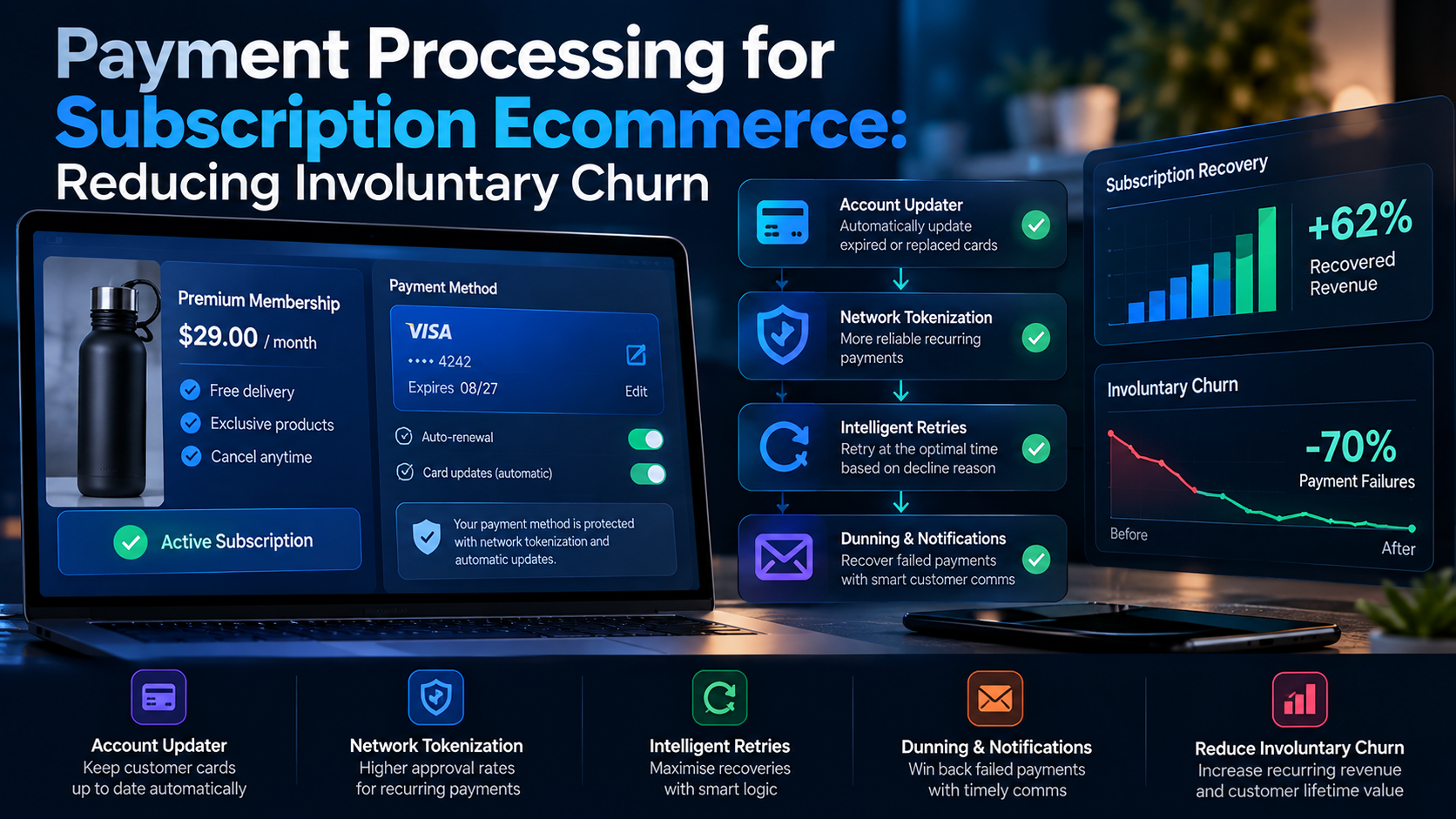
Payment Processing for Subscription Ecommerce: Reducing Involuntary Churn (2026 Guide)
Involuntary churn from failed payments costs subscription businesses 20-40% of revenue. Here is how to fix declined cards, update expired cards, and retain subscribers.
Read More →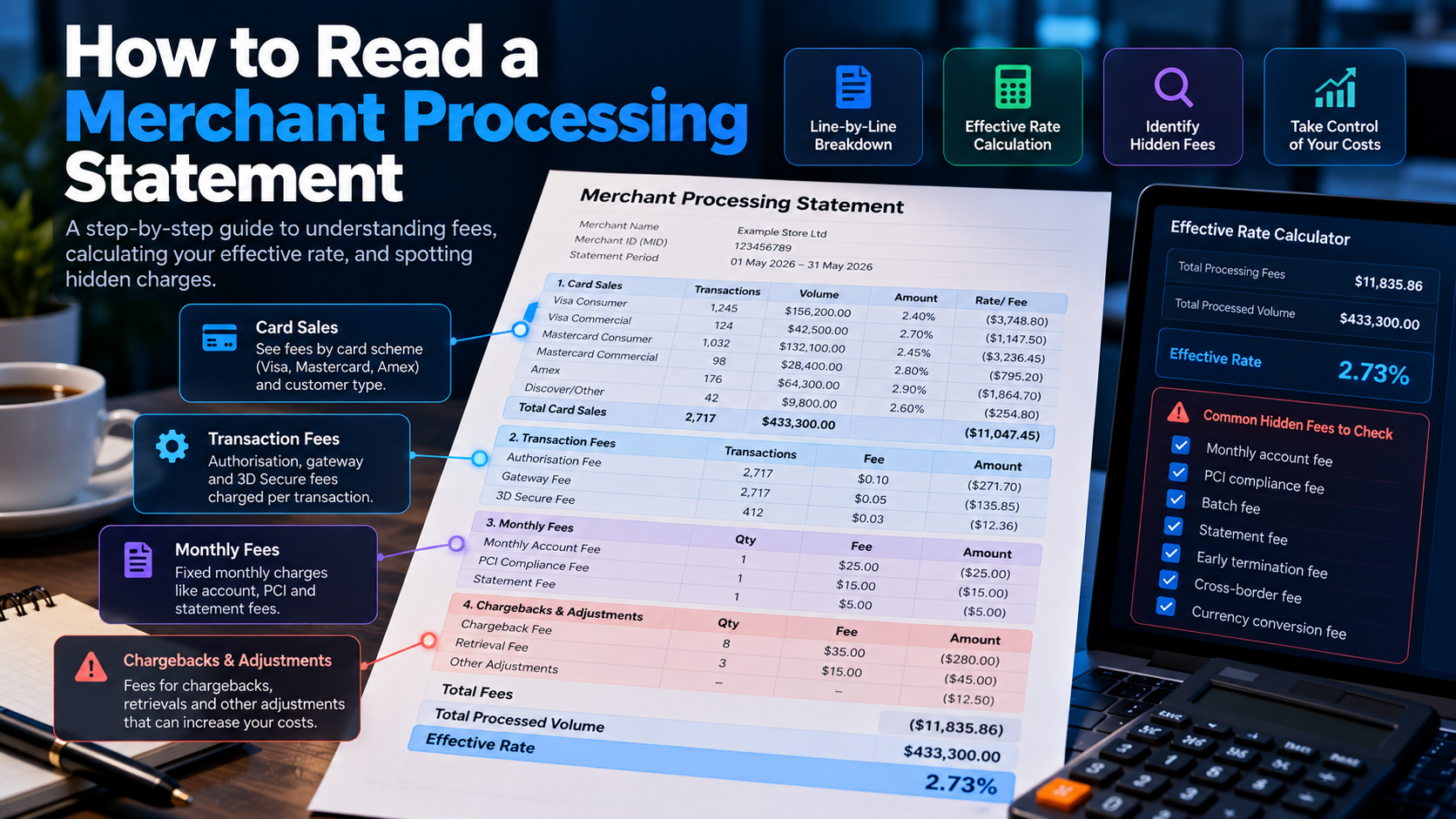
How to Read a Merchant Processing Statement (2026 Guide): Find Hidden Fees and Save Thousands
Merchant statements are deliberately confusing. This guide breaks down every line item, shows you how to calculate your true effective rate, and reveals where processors hide fees.
Read More →